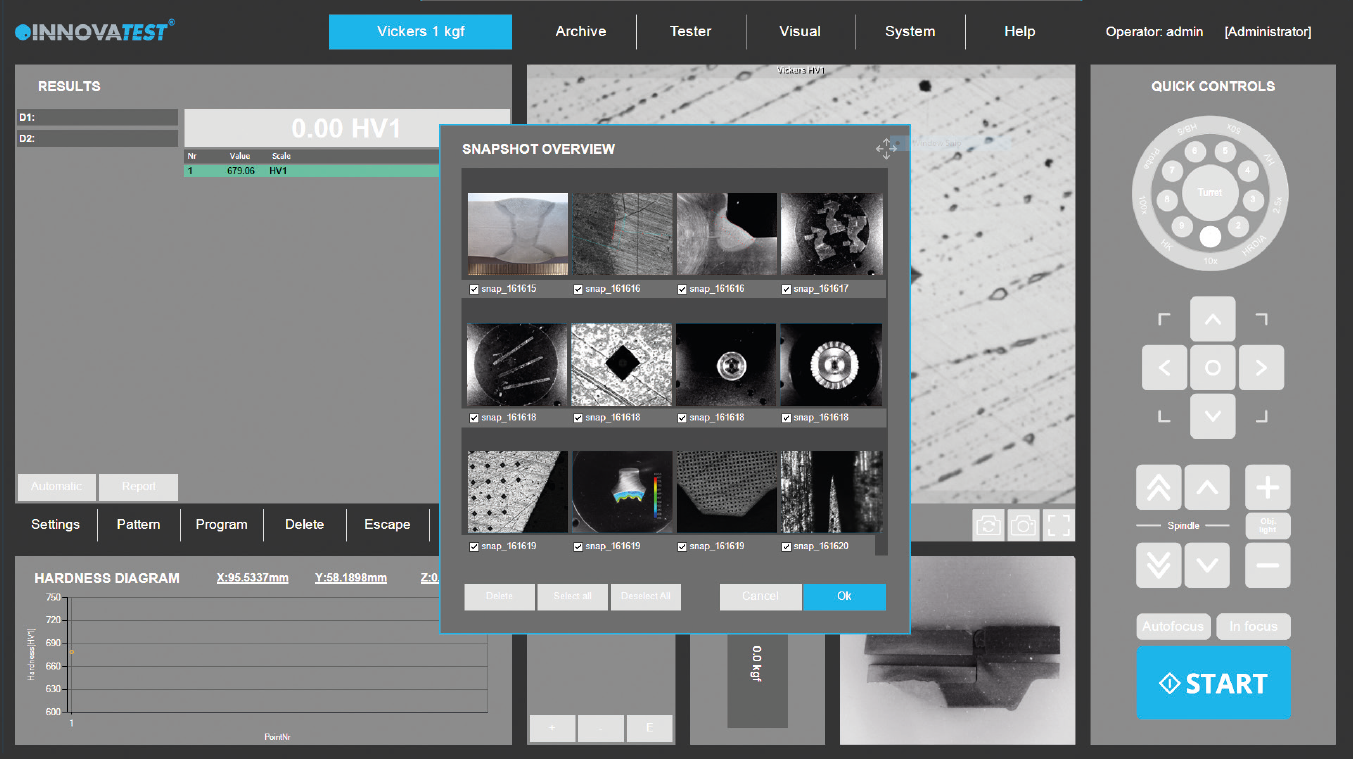
Snapshot Function for Visual Documentation in Hardness Testing
The IMPRESSIONS™ Snapshot Function provides a fast and efficient way to capture high-quality images directly from your hardness testing system during Rockwell, Brinell, and Vickers hardness testing applications.
Using either the microscope objective view or the overview camera, operators can instantly create screen captures of test areas, indentations, microstructures, and sample conditions for documentation, reporting, and future analysis.
This simple but powerful tool improves traceability, supports quality control, and enhances professional test reporting.
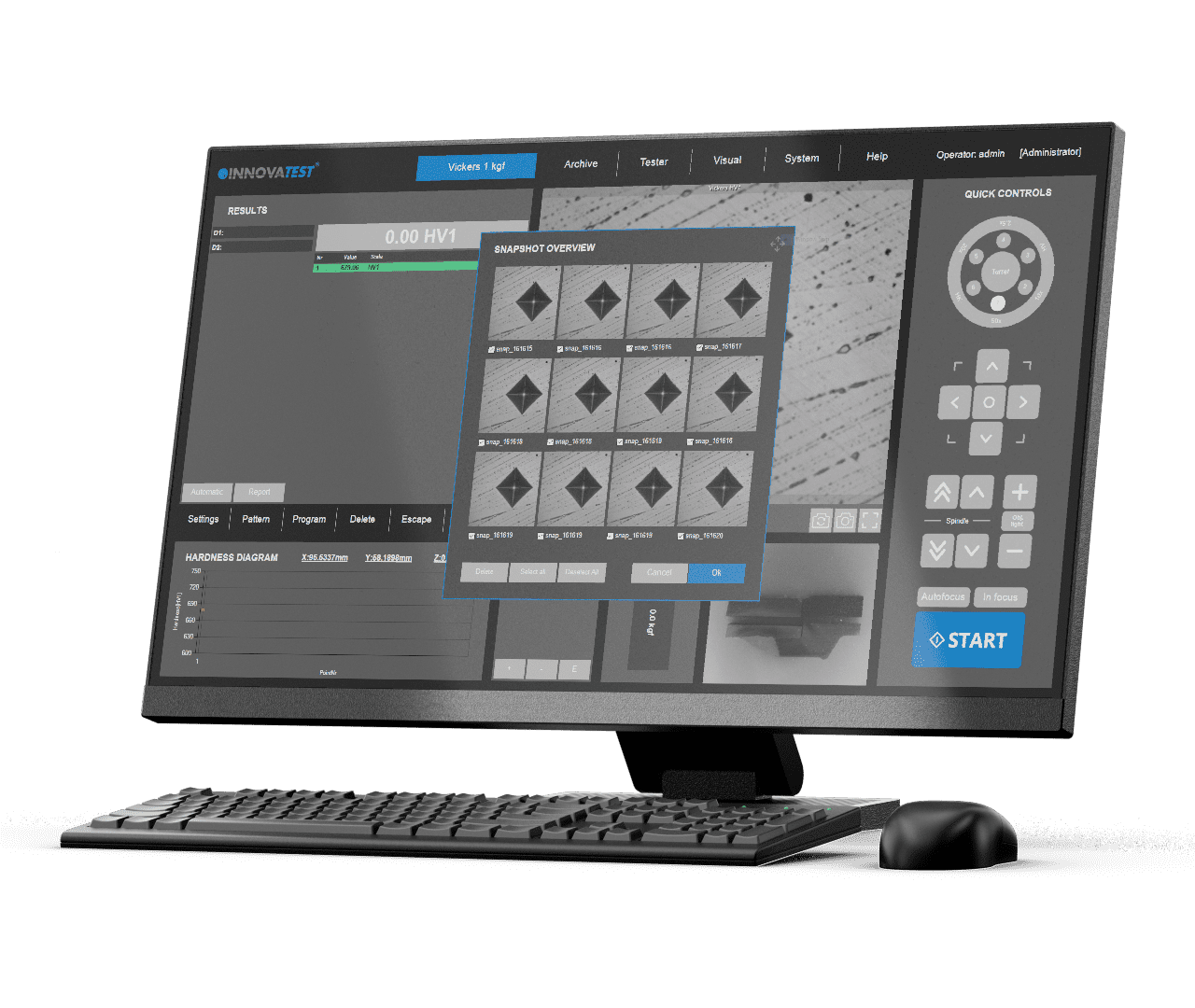
Instant Image Capture from Objective View and Overview Camera
The Snapshot Function allows users to capture exactly what they see during testing, without interrupting workflow.
This ensures that important visual information is preserved as part of the testing process.
Add Comments and Notes for Better Traceability
Each snapshot can be saved together with operator notes, comments, or customer-specific observations.
This makes every captured image more meaningful and useful during later analysis.
Direct Integration with the Report Generator
Snapshots can be seamlessly inserted into the IMPRESSIONS™ Report Generator for complete and professional test documentation.
This ensures that reports are not only data-driven, but also visually supported and easier to interpret.
Applications of Snapshot Function in Hardness Testing
The Snapshot Function is valuable across a wide range of hardness testing and material analysis applications:
This improves both technical analysis and communication with customers and auditors.
Flexible Image Storage and Export Options
Captured snapshots can be stored locally, exported, or integrated into broader data management workflows.
This ensures that valuable visual data remains easily accessible whenever needed.
Snapshot Function vs Manual Image Documentation
Traditional image documentation often requires separate cameras, manual file transfers, or external software processing.
The IMPRESSIONS™ Snapshot Function offers a faster and more reliable alternative:
Traditional Image Documentation Limitations
IMPRESSIONS™ Snapshot Function Advantages
This saves time while improving documentation quality and workflow efficiency.
Better Reporting Through Visual Evidence
In modern hardness testing, data alone is often not enough. Visual documentation strengthens reporting, improves communication, and supports better decision-making.
The IMPRESSIONS™ Snapshot Function ensures that every important image can be captured, stored, and reported—creating a complete, professional, and audit-ready testing record.